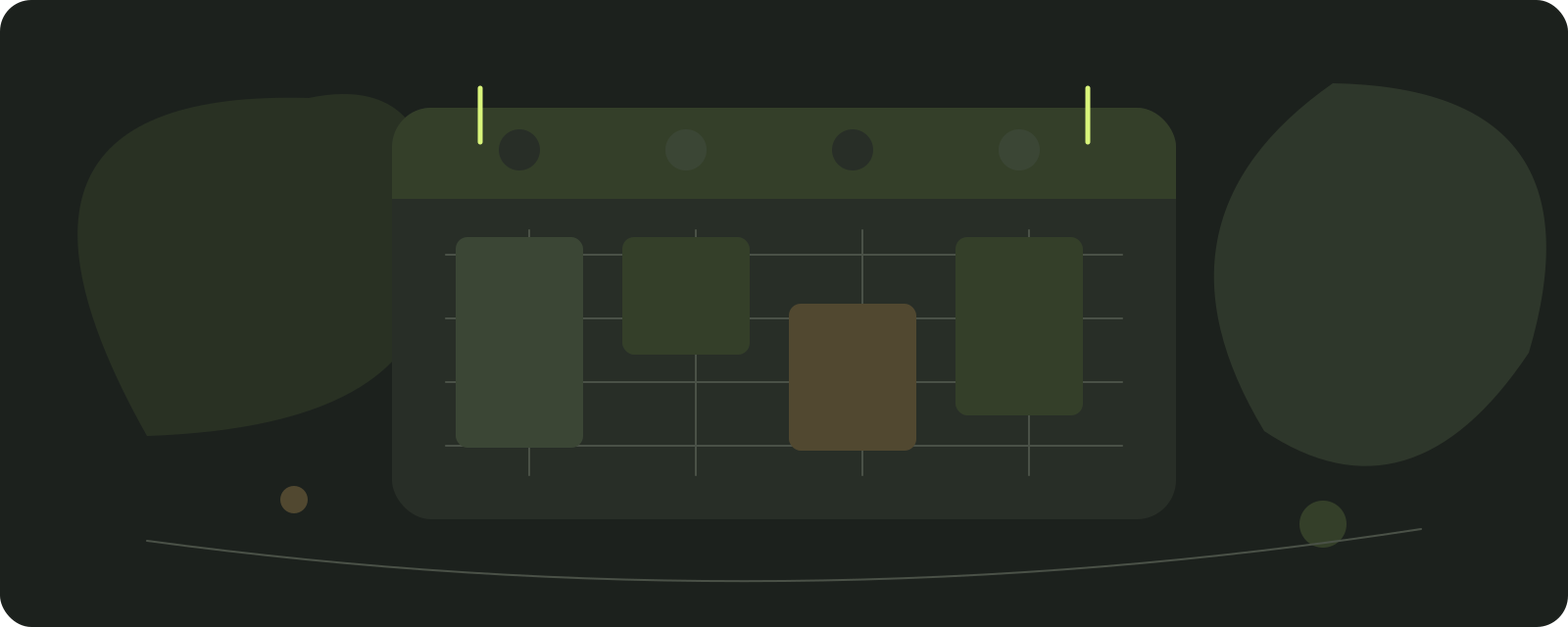
Conflicts found before publication
A shift change that overlaps an appointment is flagged before clients or the team see it.
Salon staff scheduling
In Ariveno, the staff schedule and appointment calendar work together. A team member submits availability or leave, a manager approves and publishes it, and Ariveno flags any booked appointment that conflicts with the proposed change.
14 days without a subscription fee. Card required. Choose your country to see the subscription price. The subscription renews automatically unless you cancel before the trial ends. Optional SMS is paid separately. Full pricing and terms
A fair question: spreadsheet or system?
A free spreadsheet or printed table can work for one or two people. With a team of 3–10, problems start when shifts and appointments live separately: a client books a time just removed from the rota, or leave disappears when someone overwrites the file.
If you only need a printable table, Ariveno is more than you need. If you need staff availability connected to online booking, continue.
| Criterion | Spreadsheet or printout | Ariveno |
|---|---|---|
| Connection to appointments | Conflicts are checked manually | Conflicts with booked appointments are flagged before publication |
| Leave and availability | Entries can be overwritten | Team member submits; manager approves; change history remains |
| What clients see | Availability must be maintained separately | Clients see only times from the published schedule |
| Schedule on a phone | A photo or shared file | iCal export to a private calendar without client phone numbers |
From request to published schedule
Availability, leave or a shift-change request from a phone.
Approve or reject the request. Ariveno shows conflicts with booked appointments.
Only the published version reaches the team and online availability. Drafts remain drafts.
A shift change that overlaps an appointment is flagged before clients or the team see it.
Each person can export their own schedule through iCal. Client phone numbers remain in Ariveno.
Staff see their own appointments and schedule. Owners and managers see the full salon view.
Staff scheduling is included in the Ariveno subscription: EUR 9.90 net per month per location, together with online booking, the waiting list and reminders.
Before you ask
A team member submits availability, leave or a shift change. A manager approves the change and publishes the schedule. Nothing changes automatically.
Only times based on the latest published version. Drafts and unapproved requests do not affect online availability.
Ariveno flags the conflict before publication so you can move the appointment or reject the change deliberately.
Yes, in the browser or through one-way iCal export to a private calendar. The export does not include client phone numbers.
Yes if you need the rota connected to bookings. If you only need a free printable table, Ariveno is likely more than you need.
Up to 16 active people per location for EUR 9.90 net monthly or EUR 99.00 net yearly. Staff scheduling, bookings and reminders are included in the same subscription.
This article covers the operational connection between staff schedules and bookings. Working-time rules must be assessed against current law and the employer's specific situation.
Ariveno supports planning and change history; it does not determine employment-law compliance on behalf of the employer.
Run a hair salon or a beauty salon? See how Ariveno fits your business.
Translate working hours, skills, blocked periods and resource requirements into a tested booking configuration.
Reviewed:
Brillnet Piotr Adamski · Ariveno
Opening hours, staff working hours and client-bookable time are related but different. A salon may be open while a particular employee is on a break or performing non-client work. A person may work that day without being authorised for every service. List the settings that determine availability and assign each a meaning before entering them. This is a configuration guide, while the team-roster guide deals with the management choices behind those hours. Do not assume the software's default schedule represents employment terms, local working-time rules or the team's professional competence.
For each team member, identify which services may be assigned and who approves changes to that list. Enter planned absence, breaks and work that must remain unavailable to clients. Check whether an exception changes only one date or a recurring pattern. Then inspect existing appointments separately: changing future availability may not resolve appointments already accepted. Avoid fixing an employee's absence by simply making another person appear qualified for the service. The operational permission should reflect the salon's actual professional criteria. Give staff access appropriate to their role and remove obsolete access promptly. [2]
A valid slot requires the right person and every required resource at the necessary time. Configure service duration from actual work, and distinguish preparation or cleaning from processing intervals. Where a staff member can be released during one stage, make sure the return stage still fits. Ariveno's current materials describe multi-stage services, buffers and simultaneous resource checks. Test those capabilities with a resource shared between services. One omitted chair or piece of equipment can produce a booking conflict even if the availability calculation correctly follows the incomplete settings it was given.
Ariveno's staff-schedule materials describe one-way iCal export without client telephone numbers. Do not assume a two-way sync that imports every external event or immediately resolves conflicts. Document how the team handles an appointment or absence recorded elsewhere. Check timezone display, especially when an owner manages the salon from another country or a client travels. Include a daylight-saving transition in a test where relevant. Confirm whether an exported event has enough meaning for its intended recipient without disclosing unnecessary client information. A calendar export should remain a controlled operational tool, not a public client list. [1]
Use fictional appointments with contact routes you control. Try an ordinary service, a combined service, a blocked employee and two services sharing a room. Create one appointment manually while another person inspects the public booking page. Cancel and reschedule, then see whether the released time behaves as expected. Check the minimum notice or booking horizon only where the actual product supports your chosen setting; do not invent a menu path from another system. Record expected outcomes before testing. A screenshot of an empty calendar cannot prove the constraints are working under competing demand.
When a service changes, review duration, authorised people, equipment and client wording together. When an employee leaves, review access and future appointments, not just the roster. Keep a dated settings record and restore the previous arrangement if the trial change causes problems. EU-OSHA hairdressing guidance provides workplace-risk context but does not dictate a calendar buffer. Use the salon's local requirements and assessed procedures to determine preparation and break needs. Review real booking failures after changes, assigning each to a setting, a missing rule or an exceptional decision rather than assuming every failure has the same cause. [3]
Write down the salon timezone, normal opening pattern, each employee's working pattern, service authorisations and required resources. Keep temporary exceptions in a separate dated list so that they are easy to remove when no longer applicable. Include the person who approved each consequential change. A record should explain what the settings mean, not merely reproduce screenshots of menu pages that may change in a later release. Use the actual interface available to you and avoid following invented instructions from another product.
For recurring hours, test an ordinary week and an exception week. Add leave, a shorter shift and a service that only one employee can perform. Inspect accepted future bookings after the exception is entered. Do not assume changing availability automatically reassigns or contacts every affected client. Give reception a list of the visits that need an explicit action and record completion. That keeps the configuration task connected to the existing commitments it changes.
Start with one employee and one service so that the basic working pattern can be understood. Then add a required room or chair, a buffer and another service competing for the resource. Finally, add a multi-stage service and a manual booking. This sequence helps locate the cause when availability differs from the expected result. A complex sample built all at once may fail without showing which assumption is wrong.
Write expected results before every step. If a service is unavailable, identify whether the limiting factor is employee time, authorisation, resource time, blocked period or another supported rule. A client-facing calendar should be able to offer a truthful choice without exposing those internal details. Reception needs enough understanding to explain the next usable option. Do not override a constraint to make a test pass; correct the missing or mistaken rule and rerun the affected cases.
With one-way iCal export, inspect who receives events, which fields appear and how quickly the receiving calendar refreshes. Refresh behaviour can depend on that external service. Do not promise immediate two-way conflict resolution. Explain how staff report personal absence or work entered elsewhere, and who adds an appropriate block to the authoritative booking calendar. Keep client contact details out of unnecessary exports and control access to subscription links. [1] [2]
Test the salon timezone against the employee's device timezone and include a relevant daylight-saving change. Confirm that a client receives the local appointment time expected for the salon. An apparent one-hour discrepancy can be a display issue or a real scheduling error; investigate before moving the appointment. Document the timezone used in exports and reconciliation sheets so that a future migration does not convert the same time twice. These are operational acceptance checks, not claims that all clients or external calendars behave identically.
For a changed service duration, record the old and new value, reason, affected resources and date it applies. Test future availability and inspect accepted appointments separately. Have a second person check a consequential change where practical. Keep the previous configuration available in a form that can be restored, and reconcile appointments created after the change if restoration becomes necessary. An old settings record alone is not a complete rollback.
At the end of the trial, review mistakes by category rather than blaming every failure on the application or the employee. Missing resource, misunderstood recurrence and wrong service scope require different corrections. Remove obsolete permissions after staff changes and keep the configuration owner named. Safety and employment requirements come from applicable local arrangements and the salon's assessed procedures, not from a schedule template. Retain Ariveno only after the essential client and reception scenarios pass, and understand its card-required trial and automatic subscription renewal before the trial begins.
Sources support the cited facts. Procedures, examples and calculations are editorial proposals; legal scope depends on the country.
Try it for two weeks
Use every feature for 14 days. If the team does not feel the difference, cancel before the first charge.
14 days without a subscription fee. Card required. Choose your country to see the subscription price. The subscription renews automatically unless you cancel before the trial ends. Optional SMS is paid separately. Full pricing and terms