Implementation guide
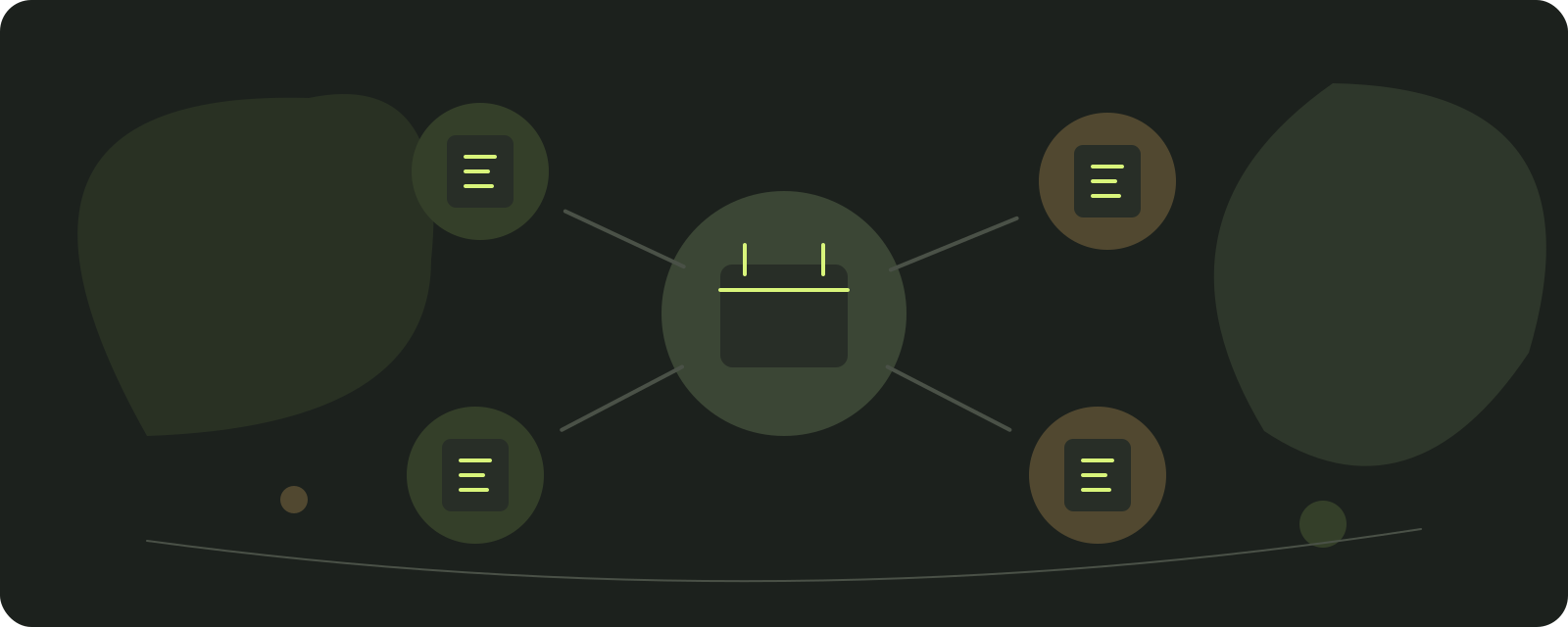
Bring telephone, website and social bookings into one calendar
The simplest model uses one public salon URL where clients choose a service and time, while online, phone and walk-in bookings all enter the same calendar.
An ordinary link is not an official Google or Instagram integration. Share it where clients already find the salon and remember that each platform's available options can change.
Keep channels convenient for clients while making one calendar the final record of every appointment.
Reviewed:
Brillnet Piotr Adamski · Ariveno
Choose the record that decides availability
A telephone call, a direct message and an online request are channels, not separate appointment inventories. Designate one calendar as the authority for availability. Reception should enter an agreed telephone booking there while speaking to the client, then confirm the result. A message saying “Tuesday works” must not remain the only evidence of a reservation. Decide how staff distinguish an enquiry from a confirmed appointment. This single rule prevents a common failure: two people accepting the same time because each checks a different conversation or notebook.
Put a consistent link where clients already look
Use the salon's direct booking page on the website and in public channel descriptions where the platform permits it. Google Business Profile documentation describes appointment links and the ability to manage preferred links; availability can vary by category and account. Check the actual profile rather than assuming a native integration exists. A normal booking link is not evidence of Reserve with Google integration or an improvement in ranking. Keep the service name, address and contact details consistent so that clients can recognise the same business after following the link. [4]
Make the booking link easy to find on mobile and use the same URL in every channel. A salon QR code may help clients plan the next visit, but it must lead to the public salon page, never the private panel or a one-time management link.
Ariveno creates a booking page for one salon. Clients need no account, while the salon shares the link and can download a QR code. The product is neither a salon directory nor a partner integration with Google or Instagram.
Preserve a human route for exceptions
Some requests need discussion: a correction appointment, an uncertain treatment length or a tattoo project requiring consultation. State which services can be booked immediately and which need a conversation first. Offer a usable contact route without asking the client to expose private details in a public comment. After the conversation, create the appointment in the same calendar as online bookings. Do not scrape private messages or copy entire conversations into a booking note. Keep only the operational information needed for the agreed visit and apply an appropriate lawful basis. [1] [3]
Confirm enough detail to prevent ambiguity
A confirmation should make the agreed service, date, time, location and change route clear. Distinguish a request awaiting acceptance from a confirmed booking. Check what happens when the employee changes or a combined service has several stages. The client needs a coherent appointment, not a list of internal configuration objects. Clear service and price information matters under applicable consumer rules. Do not hide a significant condition in a platform description that disappears before checkout. Cancellation terms should be visible at the relevant decision point and assessed against local requirements. [5]
Attribute demand without collecting everything
Record a simple channel field when it helps a real decision: website link, business profile, telephone or social conversation. Keep unknown as a valid value rather than guessing. A client may discover the salon on one channel and book through another, so separate discovery questions from booking-channel data when necessary. Compare completed appointments and staff handling time, not merely incoming messages. A channel producing many enquiries can still create little useful demand. Use aggregated figures for routine reporting and avoid collecting additional identifiers just to make attribution look precise. [2]
Reconcile during busy periods
At the end of a shift, compare unresolved enquiries with calendar entries and identify requests still awaiting a reply. During peak periods, assign one person to booking decisions so that two staff members do not independently accept the same request. Test a walk-in arriving while another client books online and a cancellation received by telephone. Ariveno's current materials describe manual and online appointments sharing the calendar, and secure client links for changes. Verify those paths with your own services. A reminder about an existing booking should not silently become a promotional campaign; marketing requires a separate legal assessment. [3]
Use a short intake script for human bookings
Reception can ask the requested service, preferred date, relevant employee preference and a contact route. Repeat the agreed service and time before creating the booking. If scope is unclear, direct the client to a consultation instead of selecting a shorter service to force the request into the calendar. Record whether the appointment is confirmed or awaiting an explicit decision. This proposed script is deliberately brief: the purpose is a usable booking, not a lengthy profile collected over the telephone.
For a message enquiry, keep a clear pending state until the agreed time is entered. An answer such as “we have room next week” is not a reservation. State the exact offered slot and how long, if at all, the salon holds it under its process. Avoid allowing several staff members to negotiate the same enquiry independently. Assign ownership to one person, and hand it over explicitly at a shift change. Keep private professional questions out of public comment threads and ordinary calendar notes. [2]
Check every public route from a client's phone
Open the website link, business-profile link and any permitted social-profile link on a small screen. Confirm that each reaches the intended salon and language rather than an old location or a generic account page. Check readability, service naming and the ability to find a contact route when online booking is unsuitable. Do not require a client to know internal staff codes or technical service stages. If a page fails to load, the client needs a usable alternative rather than a dead end.
For Google Business Profile, inspect third-party links as well as links you entered yourself. Google's documentation explains that third-party booking links may appear and can be managed. Make your preferred route clear where the account supports it, but do not claim this creates a ranking advantage. Recheck after a provider change or location change. A correct calendar cannot recover demand sent to a stale link that the team has stopped monitoring. [4]
Reconcile channels without copying their entire histories
At handover, review open requests, current offers and bookings already entered. Use a short operational list containing only what the next shift needs. Do not create a second customer database by exporting all message conversations. When a request becomes a booking, copy only the information necessary to fulfil the appointment and preserve its status. Under GDPR, minimisation and purpose limitation apply to copies and exports as well as the main application. [1]
Use a hypothetical conflict rehearsal: reception accepts a phone request while another client books the same apparent time online. Inspect which action is confirmed, what the other client sees and how reception resolves the alternative. Add a walk-in and a staff absence. Record the expected result before testing. The purpose is to establish a real operating rule across channels, not simply to demonstrate that each channel can send a message. Review unclear cases with the team and correct the intake rule that created them.
Use channel figures to make a specific decision
A useful monthly comparison can include completed appointments by booking route, unanswered enquiries and handling time. Keep discovery attribution separate and accept that some routes remain unknown. If telephone bookings take much longer because clients cannot identify their service online, improve the service wording before removing the phone route. If one social channel produces many unsuitable enquiries, add a clearer consultation description rather than treating every message as a lead.
Protect the distinction between transactional and promotional communications. A booking confirmation should explain the booked visit; a campaign promoting another service needs its own assessment under data-protection and applicable electronic-marketing rules. Do not transfer a client from an operational contact list to a promotional list by default. Finish the channel review with one change, an owner and a measurable result, such as fewer unresolved enquiries or less correction work. That is more useful than adding another channel whose messages nobody can answer. [3]

Sources
Sources support the cited facts. Procedures, examples and calculations are editorial proposals; legal scope depends on the country.
- Regulation (EU) 2016/679 — General Data Protection RegulationEuropean Union / EUR-Lex
- Data protection basics — Data protection guide for small businessEuropean Data Protection Board
- Process personal data lawfully — Data protection guide for small businessEuropean Data Protection Board
- Manage your local business links — Google Business Profile HelpGoogle
- Contract information — Information you should get when buyingEuropean Commission / Your Europe
- Google: manage local business links
- Ariveno for hair salons
- How to choose a booking system
Operational gate
Publication checklist
Test the complete client channel before changing links.
- The page works on a phone.
- Services, prices and durations are current.
- Team availability is published.
- Phone bookings enter the shared calendar.
- The same link works on the website, Google and social media.
- The client receives confirmation.
- The salon can reschedule and cancel a test appointment.
- A return plan exists for the old channel.
Rehearse before publishing
Prepare your booking page during the trial
Test the public link, shared calendar and confirmation before replacing the links your clients use.
14 days without a subscription fee. Card required. Choose your country to see the subscription price. The subscription renews automatically unless you cancel before the trial ends. Optional SMS is paid separately. Full pricing and terms